
Team Management
Collaborate with your team on geo-targeting
Collaborate with Your Team
Geo-targeting is a team effort. Invite your colleagues to your workspace so everyone can see what's happening — and the right people can make changes.
Four roles, email-based invites, and an audit log so you can see who did what.
Roles Explained
Every workspace member has a role. Here's exactly what each role can and can't do:
Permission
Owner
Admin
Editor
Viewer
View rules & analytics
✓
✓
✓
✓
Create & edit rules, links, segments
✓
✓
✓
✗
Delete rules, links, segments
✓
✓
✗
✗
Manage team members & invites
✓
✓
✗
✗
Manage sites, domains & integrations
✓
✓
✗
✗
Manage billing
✓
✓
✗
✗
View audit log & export data
✓
✓
✗
✗
Rename or delete workspace
✓
✗
✗
✗
Editor is built for campaign and content people: they can launch and update links, redirects, and rules, but can't delete anything or change workspace settings like members, domains, API keys, or billing. The Editor role is available on the Business plan.
How to Invite a Teammate
Inviting someone takes about 30 seconds. Here's how:

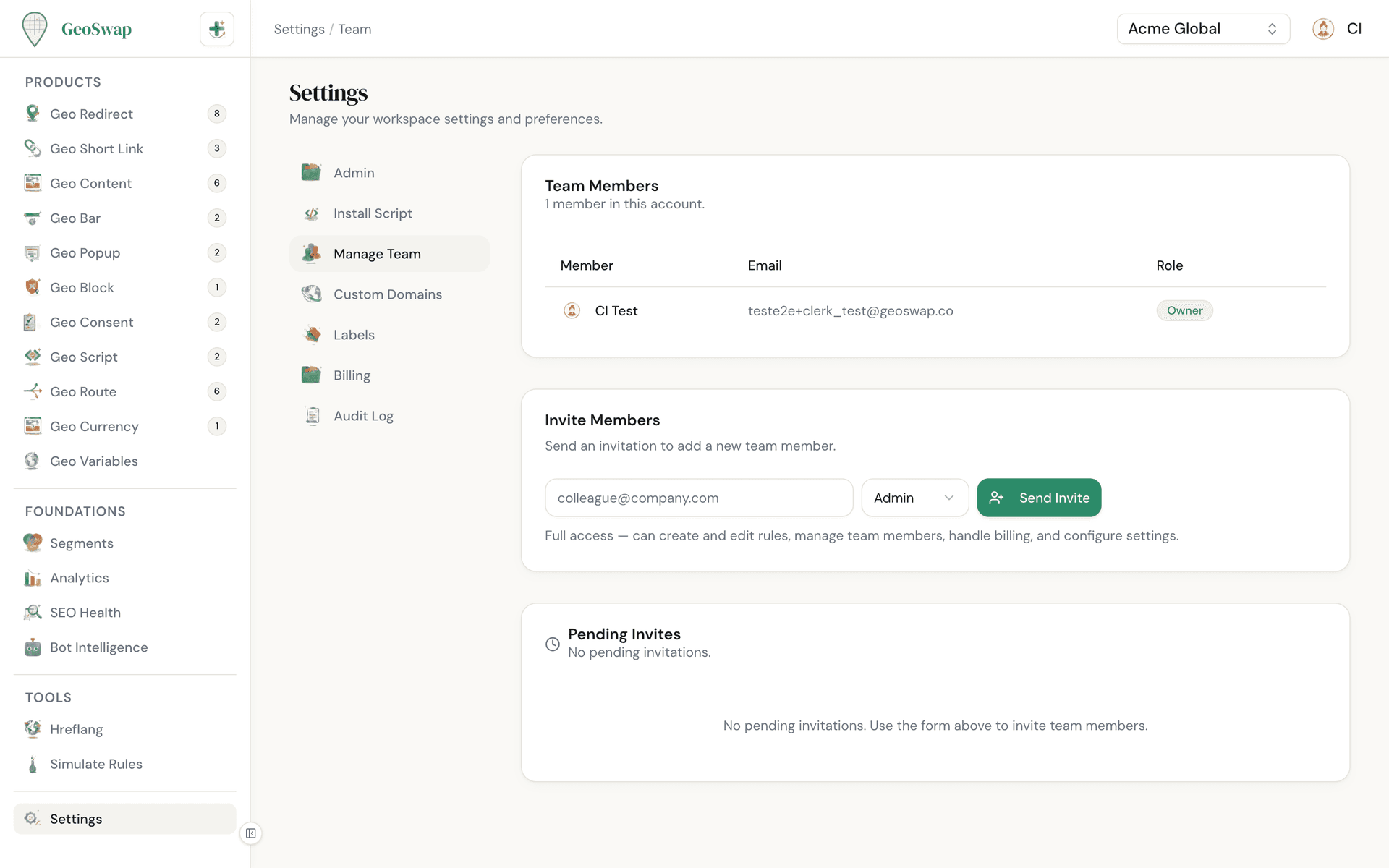
Go to Settings → Manage Team
Open your workspace settings and click on the Manage Team tab. Only admins and owners can invite people.

Fill in "Invite Members"
Enter their email address, choose a role (Admin, Editor, or Viewer), and click Send Invite. The roles you can pick depend on your plan.

They receive an invite
An email invite is sent automatically. When they sign up for GeoSwap (or log in if they already have an account), they're automatically added to your workspace. Until then, the invite shows under Pending Invites, where you can cancel it.
Managing Members

Change someone's role from the Role dropdown in the Team Members list. GeoSwap asks you to confirm and tells you what the new role can do.
Remove a member with the trash icon next to their name.
Choose who gets billing emails (receipts, invoices, cancellations, and payment problems) with the Billing emails toggle. The owner always gets them, and admins are on by default.
Roles by Plan
Every plan supports team collaboration. What changes is which roles you can hand out.
Free
Owner + unlimited viewers. Perfect for solo operators who want to give stakeholders read-only visibility into their geo-targeting setup.
Pro ($99/mo)
Owner + unlimited admins + unlimited viewers. Built for teams where multiple people need to create and manage geo-targeting rules.
Business ($299/mo + usage)
Owner + unlimited admins + unlimited editors + unlimited viewers. Give your marketing team the Editor role so they can ship campaigns without being able to delete rules or touch workspace settings.

Need admins or editors?
Upgrade to Pro for the Admin role, or to Business for Admin and Editor. If a workspace moves to a lower plan, members in roles that plan doesn't include become viewers — nobody loses access and no data is deleted. See plans →
Audit Log
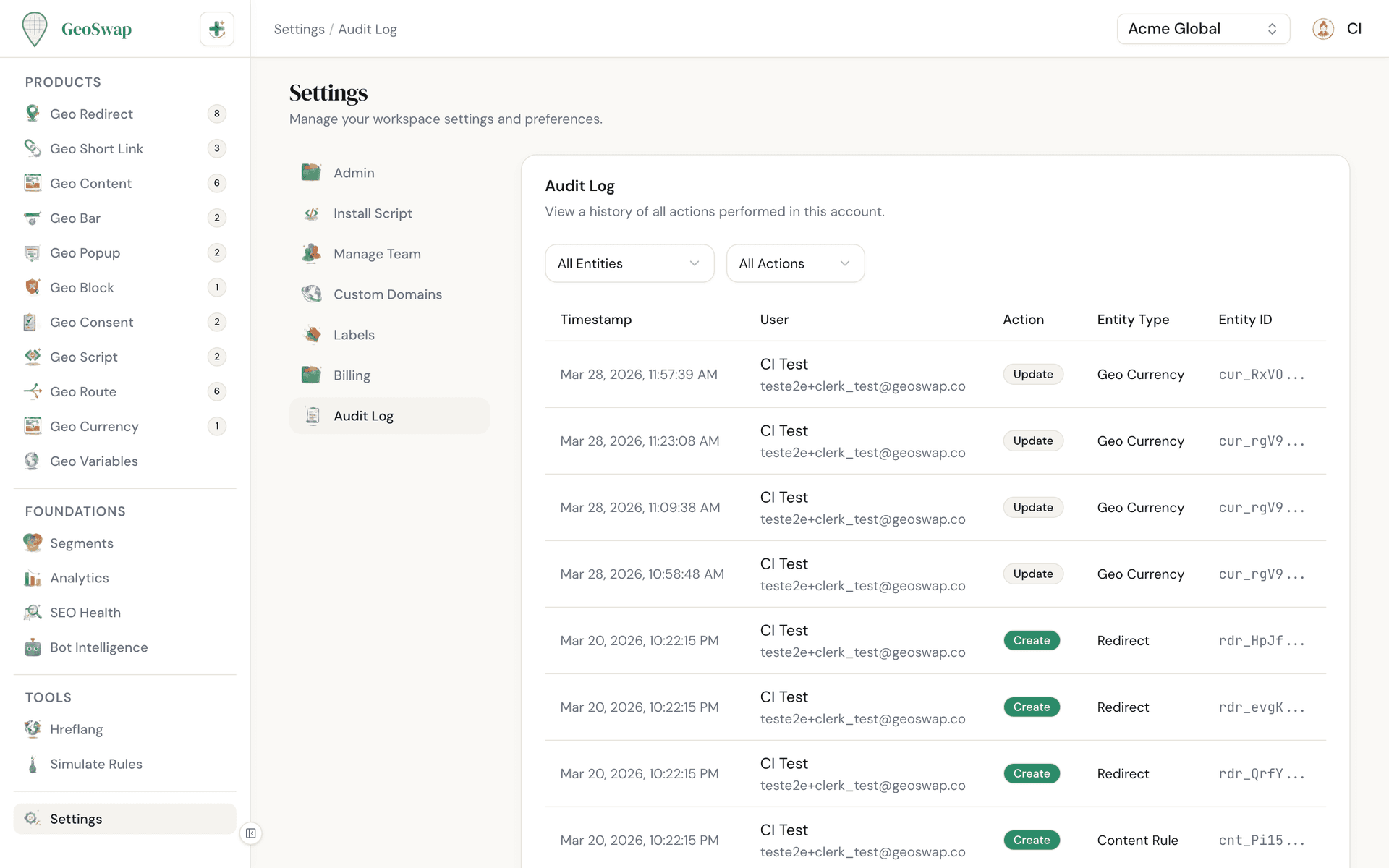
Changes to your rules and your team are logged. Who did what, and when.
Rule changes: created, updated, deleted, enabled, or disabled.
Team changes: members invited, removed, role changed, or billing emails turned on or off.
Settings updates: sites changed, labels edited or deleted, and plan changes between Pro and Business.
Available to admin and owner roles from Settings → Audit Log.
Tips for larger teams
Once several people are making links, a few habits keep things tidy: give every link an owner, agree on a naming format, add owner and channel labels, and have someone other than the creator check new campaign links before they go out. Keep at least two admins so you're never stuck if one is away.
We wrote up what works for marketing teams in How to manage short links across a marketing team.

Next up
Add a custom branded domain for your geo links.