MCP
Ask your AI tools how your marketing is doing.
Connect Claude Code or Cursor to GeoSwap. Read analytics, Search Console and attribution with plain questions, and change short links with a preview you approve first.
No credit card · Every feature on every plan

TL;DR
GeoSwap's MCP server lets Claude Code and Cursor read your analytics, Search Console and attribution data and change short links after you confirm a preview. Keys are scoped and revocable.
Features
What MCP does

Analytics in your editor
Visits, visitors, engagement, top pages and UTM campaigns. The same numbers as your dashboard, with bots left out.

Search Console data
Clicks, impressions, CTR and position, your top queries and pages, and what gained or lost the most in the last 28 days.

Attribution answers
Credited conversions by channel, campaign, landing page or short link under any model, data-driven included where it is on. Look up one order by your id, or a lead by email (its own permission).

Links and rules, with a confirmation step
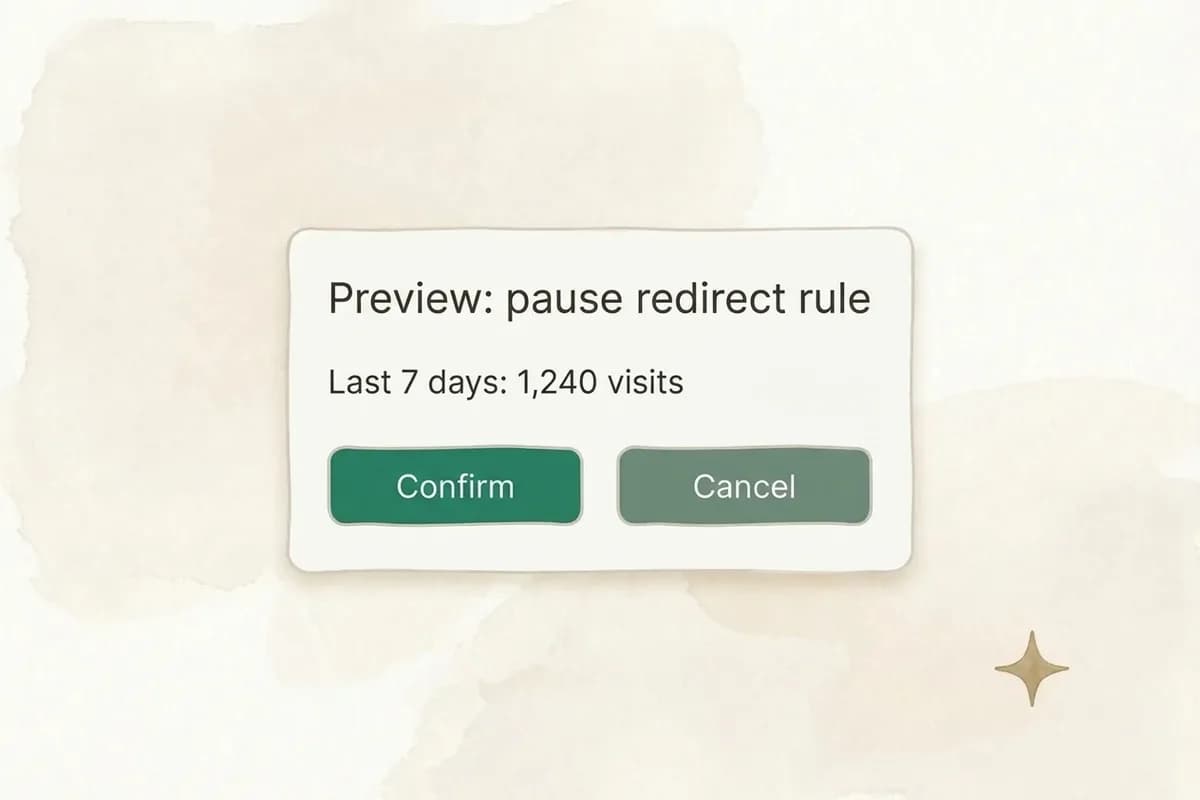
Create, update, pause or resume a link, or pause and resume a geo rule. Each change starts as a preview, and nothing happens until you confirm it. There is no delete tool.

Keys that do only what you allow
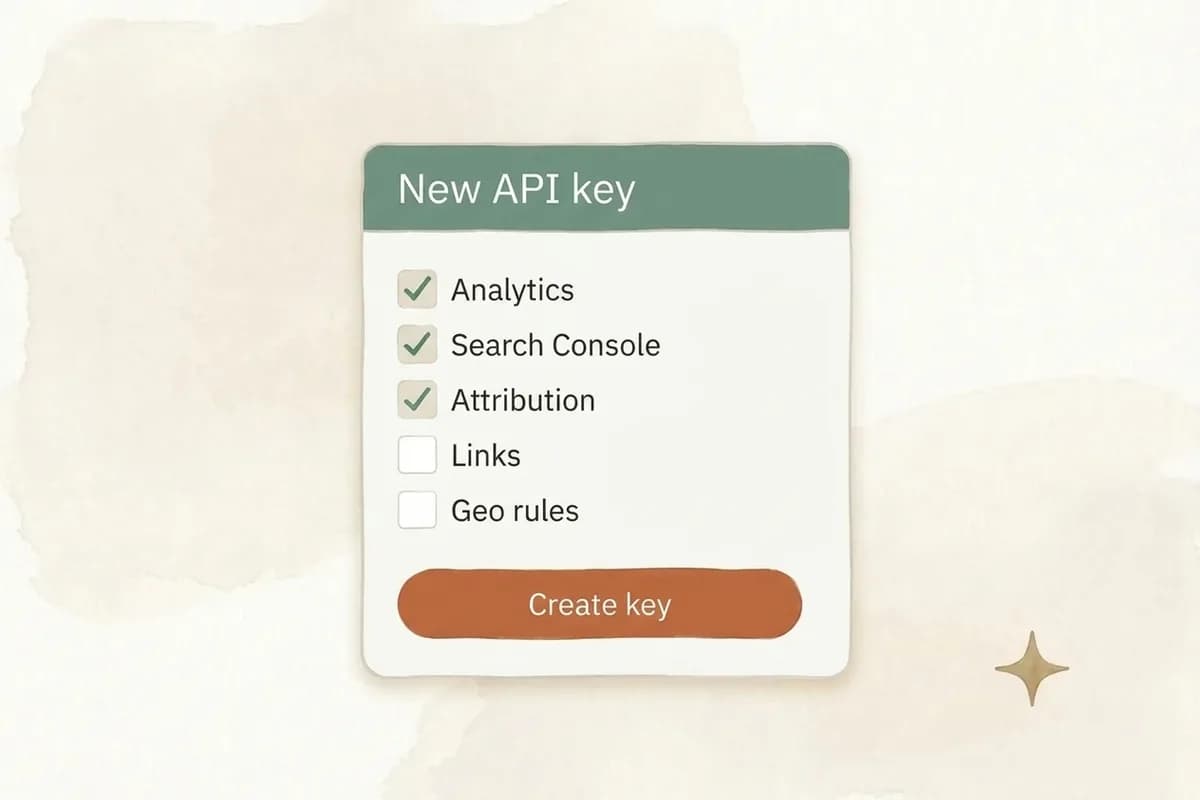
Tick what each API key can read or change, edit it later, revoke it any time. A key only sees its own workspace.
How it works
Set up MCP

Create an API key in Setup → API Keys and tick what it may do.

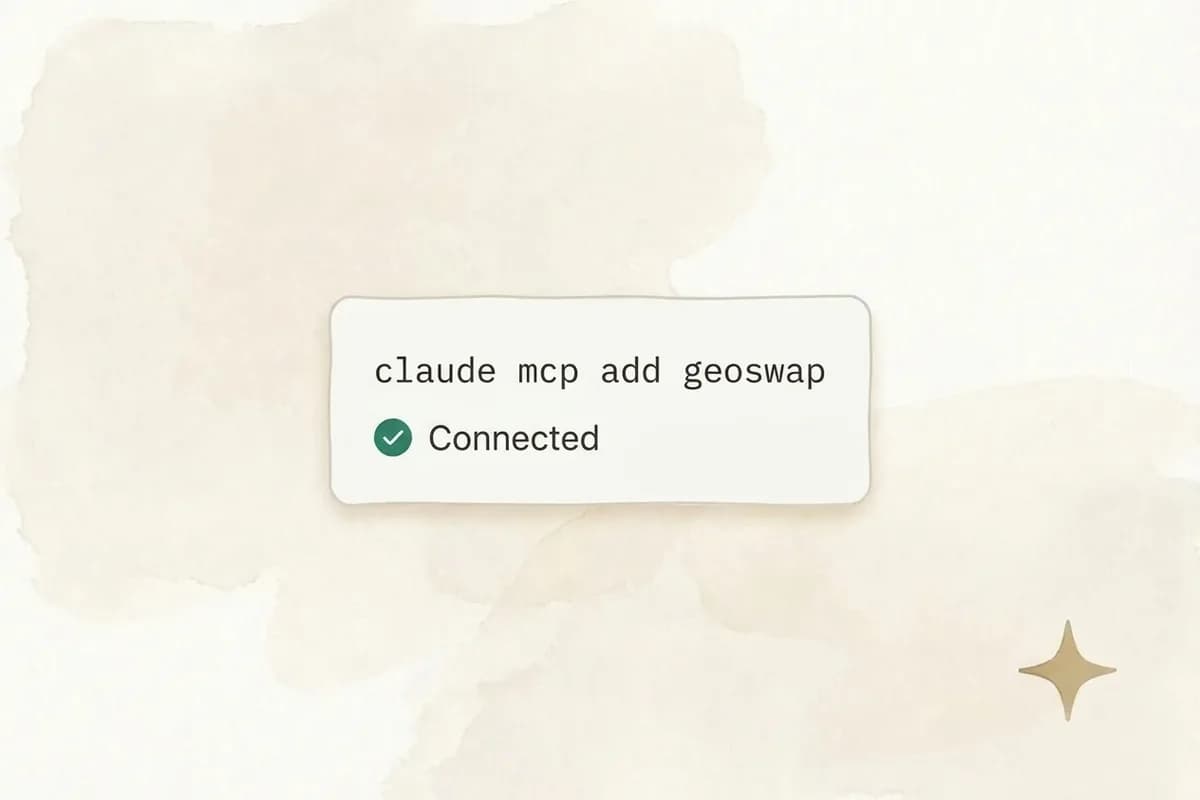
Claude Code: run one claude mcp add command. Cursor: add the GeoSwap server to .cursor/mcp.json.

Ask a question. Answers use complete days, the last 7 by default, within your plan's history.

To change a link, review the preview your AI tool shows, then confirm it.
Step by step
From API key to answer in four steps
Step 1
Create a key that can do only what you allow
In Setup → API Keys, tick what the key may read or change: analytics, Search Console, attribution, links, geo rules. Edit or revoke it any time.
Step 2
Connect your AI tool
Claude Code: one claude mcp add command. Cursor: add the GeoSwap server to .cursor/mcp.json.
Step 3
Ask in plain words
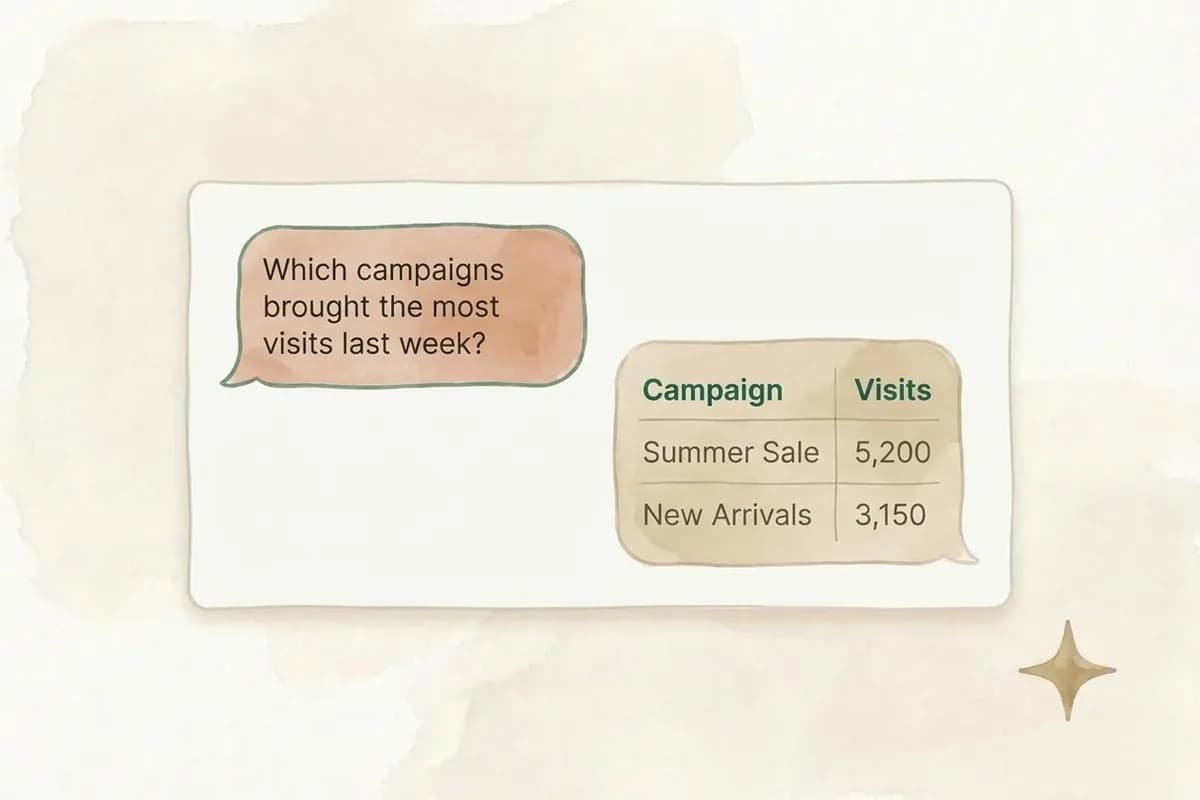
Which campaigns brought the most visits last week? Which pages lost search clicks? Answers use complete days and the same numbers as your dashboard, with bots left out.
Step 4
Change things, with a preview first
Create, update, pause or resume a short link, or pause and resume a geo rule. Each change starts as a preview and happens only when you confirm.
Before and after
What changes with MCP
A Monday-morning question
Without it
You open the dashboard, set the dates, switch three pages and copy numbers into a message.With MCP
You ask your editor how last week went and get the answer in the same numbers as the dashboard.Pausing a promotion
Without it
Someone logs in, finds the bar or redirect and switches it off by hand.With MCP
Ask your AI tool to pause it, check the preview, confirm. The change is in the audit log like any other.Use cases
How teams use MCP

The Monday report
Ask for last week's visits, top pages and campaigns against the week before, without opening a dashboard.

Tracing a lead
Paste a CRM id and see every visit before that lead, the credited touch and each model's split.

Links for a launch
Have your AI tool draft the short links for a campaign. Check each preview, then confirm.
Frequently Asked Questions
Explore more

Ready to try MCP?
Every feature on every plan. Plans differ by history, team and scale.