Search insights
Search Console, with your own traffic beside it.
Connect Search Console and GeoSwap stores your search data, shows what's rising and falling, and puts Google's clicks next to the visits and conversions each page brings.
No credit card · Every feature on every plan
TL;DR
GeoSwap stores your Search Console data, shows queries, pages, rising and falling pages and low-CTR pages, and puts Google's clicks next to each page's own visits and conversions.
Features
What Search insights does

Your Search Console data, stored
GeoSwap copies each connected property's daily data, up to 16 months back, and keeps it fresh. Several properties are added up, or narrowed to the ones you pick.

Queries and pages
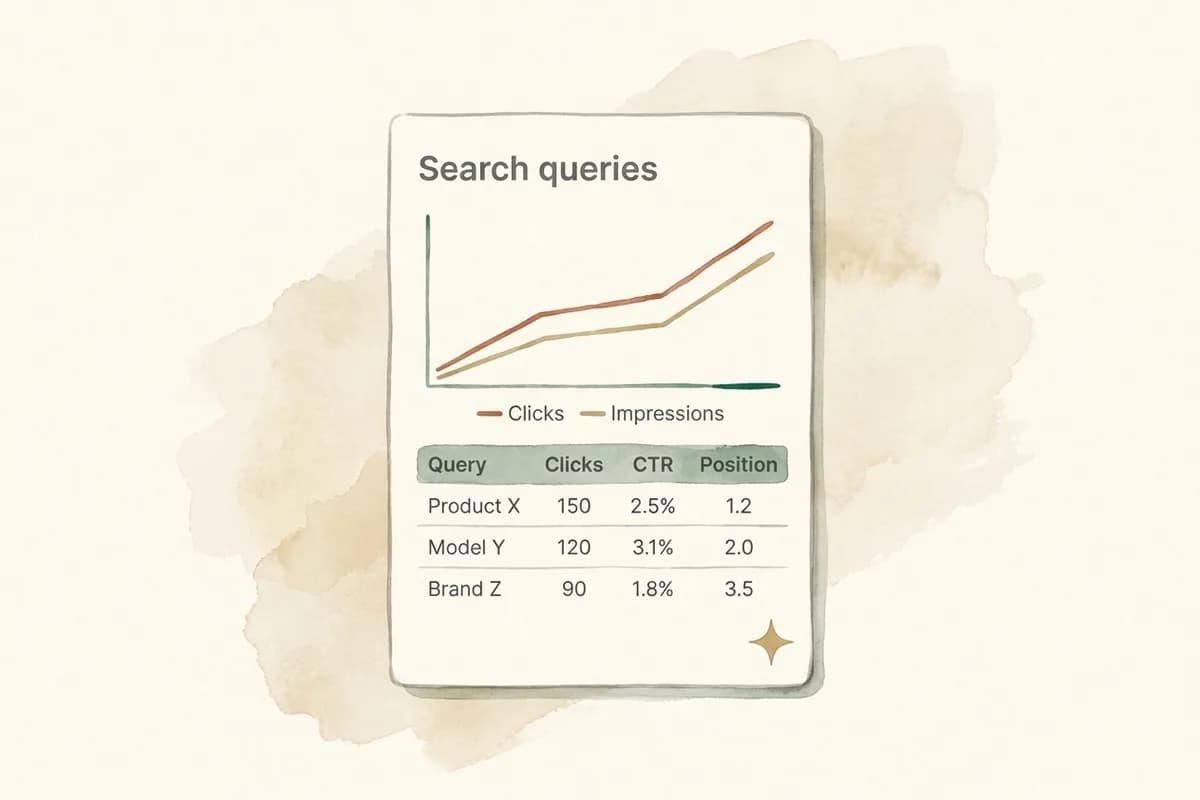
Clicks, impressions, CTR and average position, the daily trend, and your top queries, pages and devices, with the previous period for comparison.

What changed
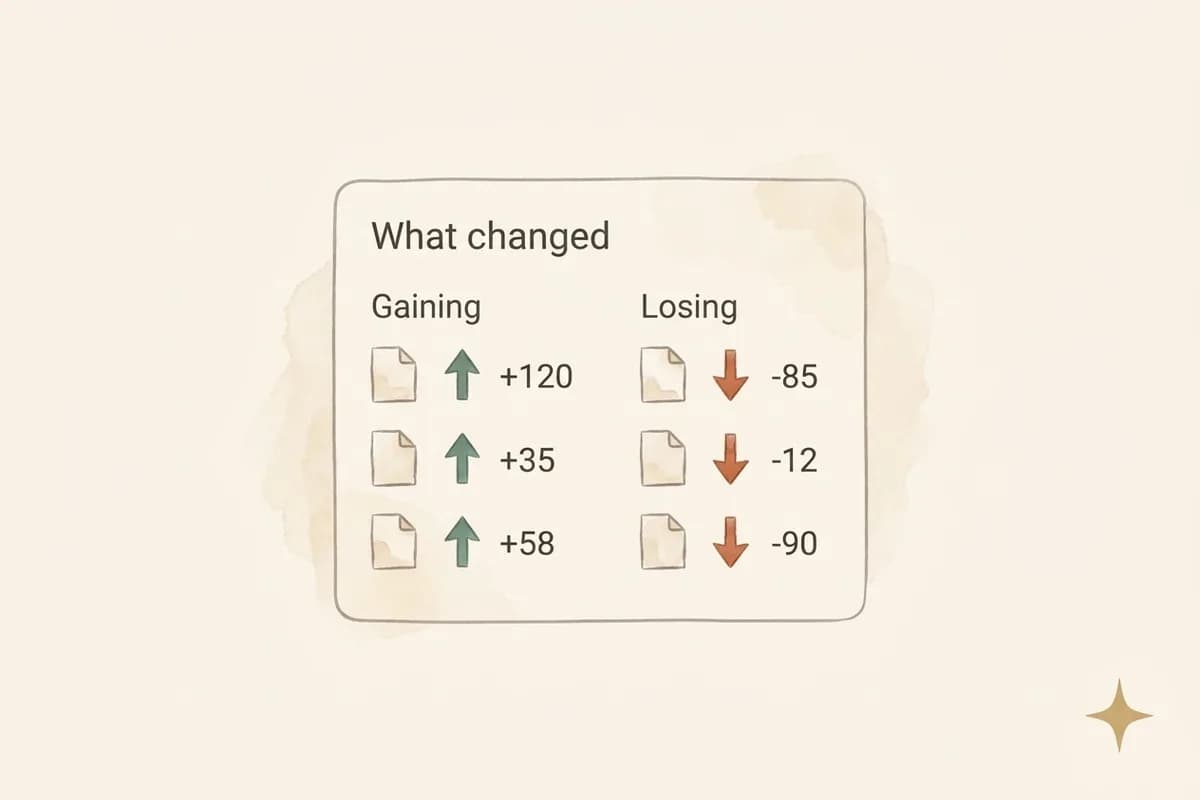
The last 28 days against the 28 before: the pages and queries gaining and losing the most clicks.

Pages with low CTR for their rank
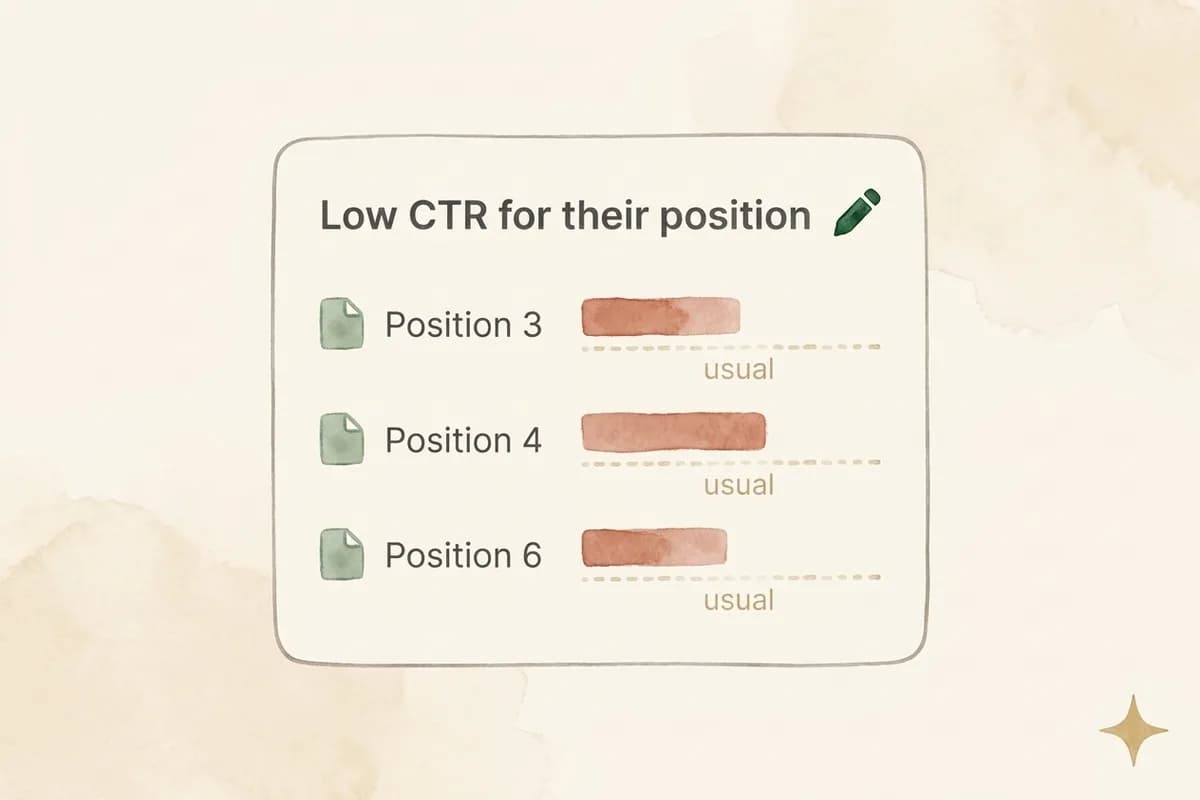
Pages whose click-through rate is below your site's typical CTR at that position. Usually a title or description worth rewriting.
Search next to your own traffic
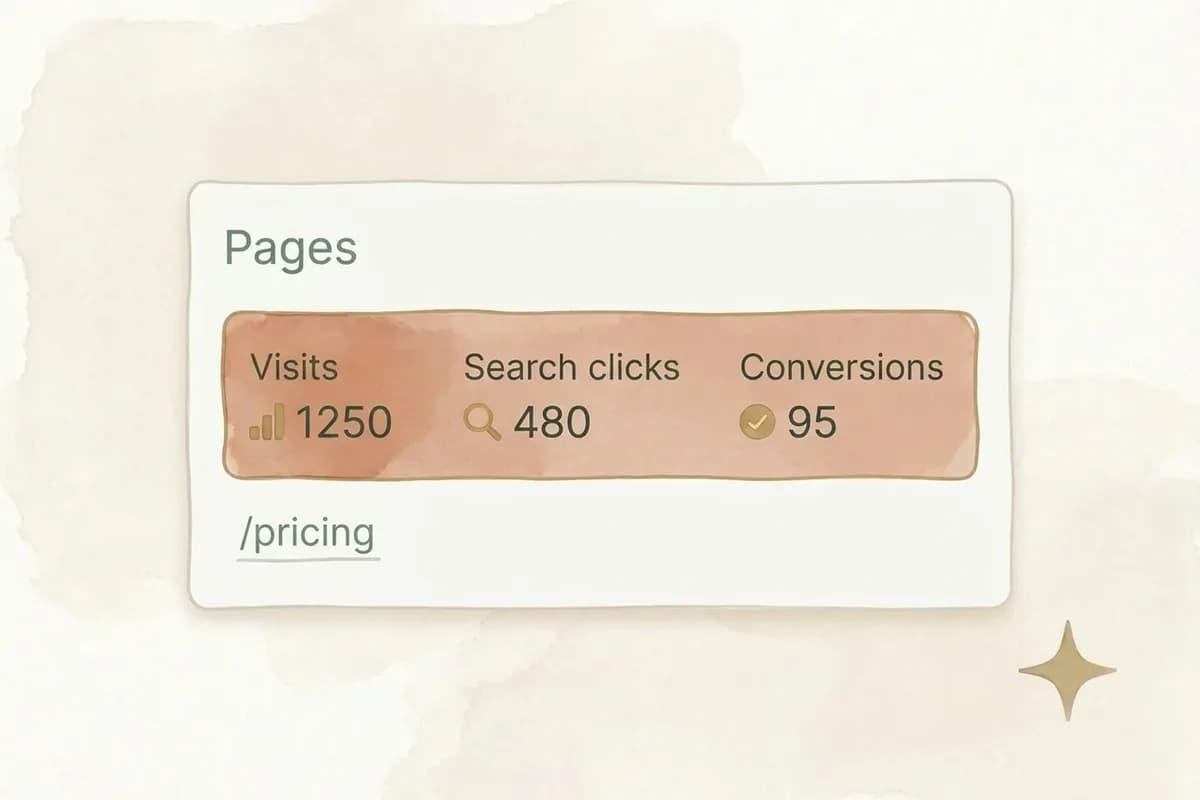
Analytics → Pages shows each page's visits, Google search clicks and organic conversions in one row.

GA4 history, kept apart
Connect GA4 to import up to 14 months of sessions by channel and key events. It's shown on its own page, never mixed into GeoSwap's numbers, and can seed a launch baseline.
Why this matters
What the research says
68%
of Google searches ended without a click in the first four months of 2026
Source: SparkToro, "In 2026, less than one third of Google searches still send a click"
16 months
of data is all the Search Console Performance report keeps; older days are gone unless you store them
Source: Google Search Console Help, Performance report
How it works
Set up Search insights

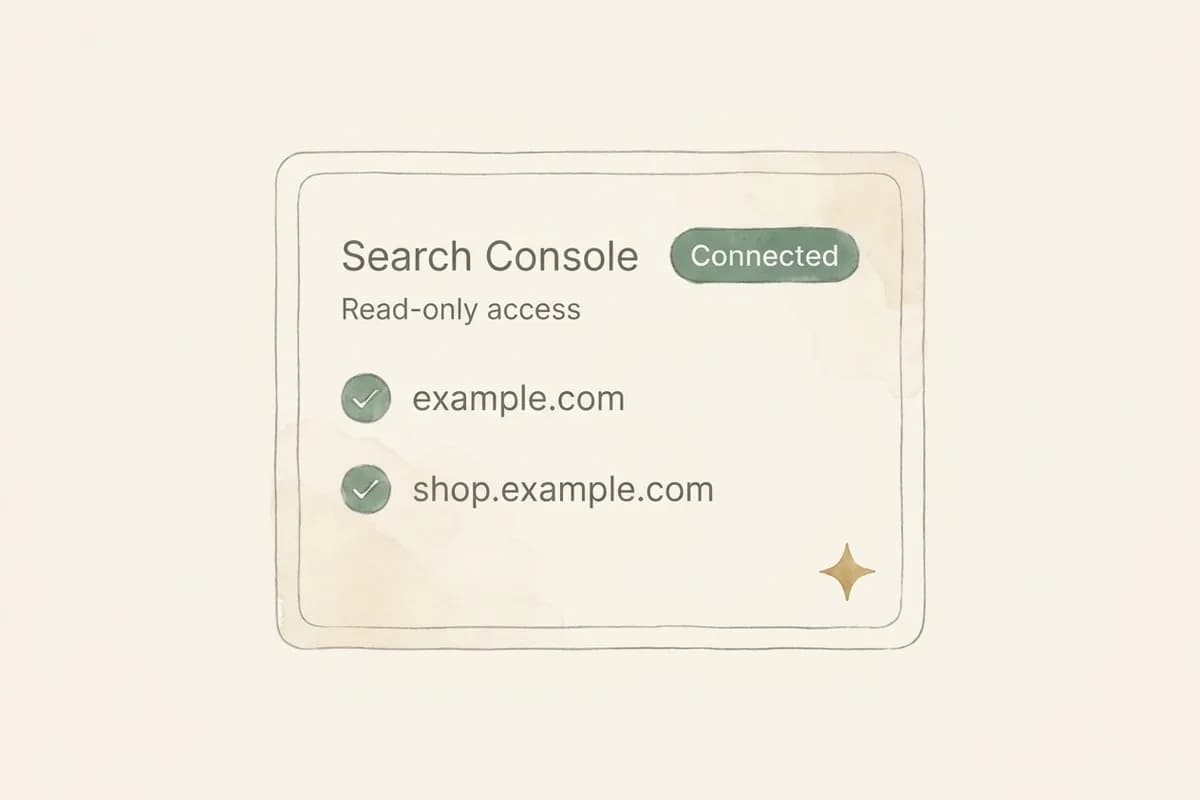
Connect Google Search Console. GeoSwap asks for read-only access.

GeoSwap copies each property's daily data, up to 16 months back, and keeps it up to date.

Open SEO → Insights for what changed, Search Queries for the detail, and Analytics → Pages for traffic and search side by side.

Optional: connect GA4 to import its history and use it as a Launches baseline.
Step by step
Your search data, kept and explained
Step 1
Connect Search Console
Connect with read-only access and pick your properties. GeoSwap copies each one's daily data, up to 16 months back, and keeps it fresh.
Step 2
See what changed
SEO → Insights puts the last 28 days against the 28 before: the pages and queries gaining and losing the most clicks.
Step 3
Dig into queries and pages
Clicks, impressions, CTR and average position with the daily trend, and your top queries, pages and devices, with the previous period beside them.
Step 4
Fix titles that underperform
Pages whose click-through rate is below your site's typical CTR for their position. Usually a title or description worth rewriting.
Step 5
Search next to your traffic
Analytics → Pages shows each page's visits, Google search clicks and organic conversions in one row.
Before and after
What changes with Search insights
Last year's numbers
Without it
Search Console only goes back 16 months, so last year's season is gone when you want to compare.With Search insights
GeoSwap keeps the daily data it copied, so the history you connected stays available.A page quietly losing clicks
Without it
Traffic dips and you check page after page in Search Console to find out which one.With Search insights
Insights lists the pages and queries that lost the most clicks in the last 28 days.Clicks that don't convert
Without it
Search Console shows clicks; your analytics shows visits; nobody links them to sales.With Search insights
Each page's search clicks, visits and organic conversions sit in one row in Analytics → Pages.Use cases
How teams use Search insights

Content teams
Spot the pages losing clicks this month and fix them before the drop grows.

SEO leads
Find pages that rank well but get few clicks, and test new titles. See the visits and conversions those clicks turn into.

Sites with several properties
Connect more than one Search Console property and read them as one, or narrow to a few.
Frequently Asked Questions
Explore more
Documentation

Ready to try Search insights?
Every feature on every plan. Plans differ by history, team and scale.