Geo-Fencing vs Geo-Targeting: What's the Difference?
Geo-fencing and geo-targeting are often confused but solve different problems. Learn the definitions, accuracy differences, and when to use each approach.
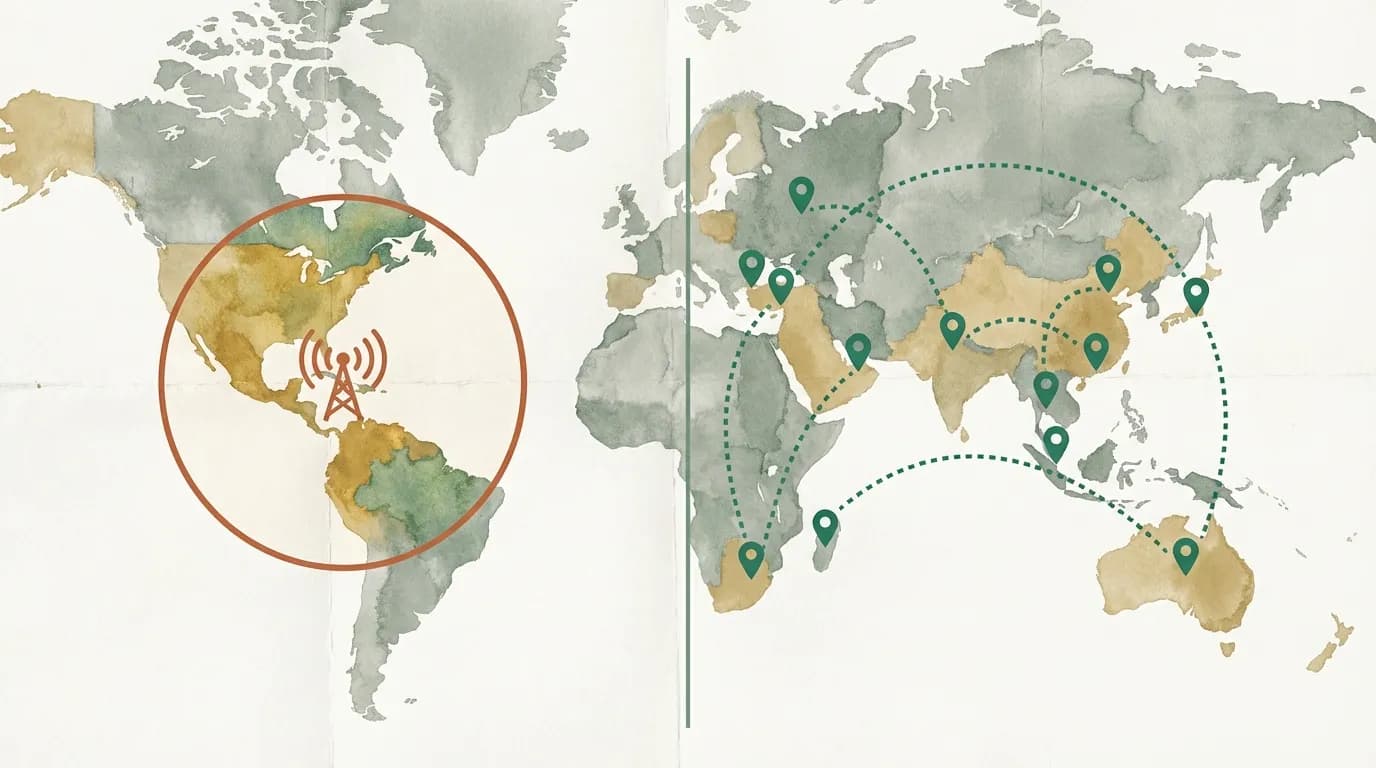
Geo-fencing and geo-targeting are often used interchangeably, but they solve different problems with different technologies. Understanding the distinction is not just semantic — it determines which tools you buy, which platforms you build on, and whether your implementation actually reaches the right users.
Both technologies are part of a rapidly growing market. According to Mordor Intelligence, the global location-based services market was valued at $26.6 billion in 2023 and is projected to reach $66.6 billion by 2028, growing at a 20.1% CAGR. Geo-fencing and geo-targeting represent the two primary approaches within this market.
What is geo-fencing?
Geo-fencing creates a virtual perimeter around a specific physical location — a store, a stadium, a neighborhood. When a device enters or exits this boundary, it triggers an action: a push notification, an ad, or a data event.
Geo-fencing relies on GPS, WiFi, or Bluetooth signals and typically operates at a radius of 100 meters to a few kilometers. It is predominantly used in mobile apps and requires the user to have location services enabled and the app installed.
The leading geo-fencing platforms include Radar (used by companies like Burger King, T-Mobile, and Panera), PlotProjects (focused on retail and CPG), and Gimbal (specializing in large-scale proximity marketing). Apple's iBeacon and Google's Eddystone protocols extend geo-fencing to Bluetooth-based micro-location at ranges as small as 1-3 meters.
“Location data is the connective tissue between digital marketing and the physical world. Geo-fencing captures the ‘where they are now’ signal; geo-targeting captures the ‘where they live’ signal. Smart marketers use both.”
What is geo-targeting?
Geo-targeting delivers different content or experiences based on a user's geographic location, typically determined by IP address. It operates at the country, state, or city level and works on any device with an internet connection — no app required, no permissions needed.
Geo-targeting is the technology behind localized websites, regional redirects, and location-based content personalization. It powers use cases from showing prices in local currency to redirecting visitors to country-specific domains to displaying region-specific compliance banners.
Key technical differences
- Detection method: Geo-fencing uses GPS, WiFi, and Bluetooth for real-time position tracking. Geo-targeting uses IP address lookup against geolocation databases (MaxMind, Cloudflare, or similar providers).
- Precision: Geo-fencing operates at 10-100 meter accuracy. Geo-targeting operates at city-to-country level (typically 70-85% accuracy at city level, 99%+ at country level, according to MaxMind's own accuracy benchmarks).
- Platform: Geo-fencing is primarily a mobile app technology. Geo-targeting works on any web platform — desktop, mobile browser, tablet — without requiring an app.
- Permissions: Geo-fencing requires explicit user opt-in (location services + app installation). Geo-targeting requires no user permission because IP addresses are automatically part of every web request.
- Timing: Geo-fencing triggers actions in real time as users move through physical space. Geo-targeting activates at page load time, personalizing the experience for the duration of the visit.
Market size comparison
The two technologies address different segments of the location intelligence market:
- Geo-fencing: According to MarketsandMarkets, the global geo-fencing market was valued at $2.1 billion in 2023 and is expected to reach $5.2 billion by 2028. Growth is driven primarily by retail, food delivery, and logistics use cases.
- Geo-targeting (web): Grand View Research estimates the broader geo-targeting and geofencing market at $2.4 billion in 2023, with web-based geo-targeting representing the fastest-growing segment due to the explosion of international e-commerce and multi-regional content strategies.
“Ninety percent of the world's data has been generated in the last two years, and a growing share of it carries a location signal. The businesses that can act on that signal — whether through fencing or targeting — have a fundamental advantage.”
Accuracy comparison
- Geo-fencing: Extremely precise (10-100 meters) but requires GPS/app access. Works only on mobile devices with location services enabled. GPS accuracy degrades indoors and in dense urban environments, which is why many implementations supplement with WiFi and Bluetooth beacons.
- Geo-targeting (IP-based): Accurate to country level (99.5%), state level (90%+), and city level (70-85%). Works on all devices, no permissions required. Accuracy can decrease with VPN usage, corporate proxies, and mobile carrier NAT, but these edge cases affect a relatively small percentage of total traffic.
When to use geo-fencing
- Sending push notifications when customers are near your store
- Triggering in-app experiences at events or venues
- Competitive conquesting (targeting visitors at competitor locations)
- Delivery zone validation for food and logistics apps
- Measuring foot traffic attribution for ad campaigns
- Asset tracking and fleet management in logistics
Platforms to evaluate: Radar (general-purpose, strong API), PlotProjects (retail-focused), Gimbal (enterprise proximity), Bluedot (high-accuracy for drive-throughs and curbside), and native SDKs from Apple (Core Location) and Google (Geofencing API).
When to use geo-targeting
- Redirecting website visitors to regional content or country-specific domains
- Personalizing web pages based on visitor country or city
- Creating geo short links that route to different URLs by location
- Displaying region-specific pricing, shipping, or compliance info
- Managing international SEO with location-aware redirects
- Showing GDPR consent banners only to EU visitors
- Checking your visitors' detected location with an IP geolocation lookup or country detection tool
Decision framework: which do you need?
Rather than “it depends,” here are concrete decision criteria:
- Do you have a mobile app? If yes, geo-fencing is an option. If your presence is web-only, geo-fencing is not applicable — go with geo-targeting.
- Do you need real-time physical proximity triggers? If you need to know when someone walks within 200 meters of a location, that is geo-fencing. If you need to know which country or city a website visitor is from, that is geo-targeting.
- What is your permission model? Geo-fencing requires explicit opt-in (and opt-in rates for location permissions average around 30-40% according to Radar's 2024 data). Geo-targeting works for 100% of web traffic with no permission required.
- What scale do you need? Geo-fencing scales with app installs. Geo-targeting scales with web traffic. Most businesses have far more web visitors than app users.
Can you use both?
Absolutely. Many businesses use geo-targeting for their website (redirects, content personalization) and geo-fencing for their mobile app (proximity alerts, in-store experiences). The two approaches are complementary, not competitive.
A common combined strategy: use geo-targeting to personalize your website for visitors in a specific metro area, then use geo-fencing in your app to trigger promotions when those same users visit a physical location. The website creates awareness; the geo-fence captures the in-person moment.
How GeoSwap fits in
GeoSwap is a geo-targeting platform. It uses IP-based geolocation to power redirects, content personalization, and geo short links at the country, state, and city level. For web-based geo-targeting, this is the right approach — it requires no app installation, no user permissions, and works across all devices and browsers.
If you need geo-fencing for a mobile app, GeoSwap is not the right tool — evaluate Radar, PlotProjects, or the native platform APIs instead. If you need web-based geo-targeting, GeoSwap provides everything you need at zero cost.
Choose geo-fencing for physical proximity triggers. Choose geo-targeting for web content personalization. And if your business spans both channels, use both — the technologies complement each other naturally.
Frequently asked questions
- Which is more accurate — geo-fencing or geo-targeting?
- On mobile with GPS, geo-fencing can be accurate to 5-10 meters. Web-based geo-targeting using IP addresses is 99%+ accurate at the country level but only 70-80% at the city level. GPS-based geo-fencing wins on precision; IP-based geo-targeting wins on reach since it requires no app or permissions.
- Can I use geo-fencing on a website without a mobile app?
- Yes, but with lower precision. Web-based geo-fencing uses IP geolocation instead of GPS, so boundaries are city-level at best rather than street-level. You can create country and state-level zones through content rules and redirect conditions — sufficient for most web geo-targeting use cases.