Content Flash (FOUC): Why Your Geo Content Tool Flickers and How to Fix It
Client-side geo-targeting causes visible content flicker (FOUC) that hurts trust and Core Web Vitals. Learn why it happens and how edge-side personalization eliminates it entirely.
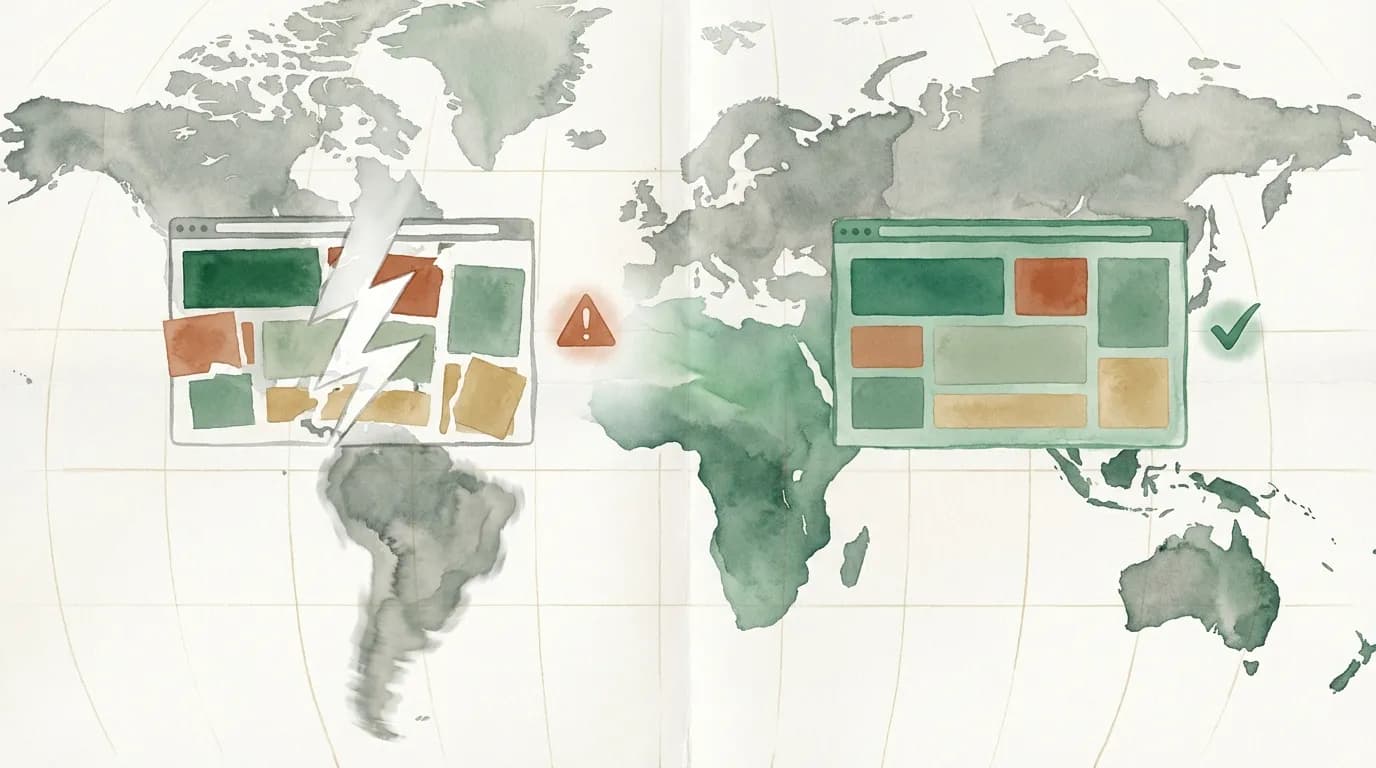
You've set up geo-targeted content on your website. A visitor from Germany loads your page and for a split second sees English pricing before it flickers to Euros. That flicker isn't just ugly — it damages trust, hurts your Core Web Vitals, and makes your site feel broken. It's called FOUC, and it's the dirty secret of client-side geo-targeting tools.
What is FOUC?
FOUC stands for Flash of Unstyled Content. In the context of geo-targeting, it refers to the visible moment when default content appears before being replaced with location-specific content. The term originally described CSS loading issues, but it perfectly captures the geo-targeting problem: users see the “wrong” content flash on screen before the “right” content takes its place.
Here's the typical sequence:
- Browser requests the page
- Server sends the default HTML (English, US pricing, etc.)
- Browser renders the default content — user sees it
- JavaScript loads and calls a geolocation API
- API returns the visitor's country (200-500ms later)
- JavaScript swaps the content to the localized version
Steps 3 through 6 create the flicker. The visitor sees the default content for anywhere from 200 milliseconds to several seconds, depending on the API response time and network conditions.
Why it matters: CLS and Core Web Vitals
FOUC isn't just a visual annoyance. When content swaps, elements on the page shift position. Google measures this as Cumulative Layout Shift (CLS), one of the three Core Web Vitals that directly affect search rankings. According to a 2023 Google study on search performance, sites meeting all Core Web Vitals thresholds are 24% less likely to have users abandon page loads.
A single geo content swap can push your CLS score from “good” (under 0.1) to “poor” (above 0.25), especially if the swapped content has a different height than the default. Data from the HTTP Archive's 2024 Web Almanac shows that only 51% of mobile page loads achieve a “good” CLS score — and client-side content swapping is one of the most common causes of layout shift. Google has been increasingly strict about CLS since 2024, making this a real SEO risk.
“Layout shifts are one of the most frustrating user experiences on the web. Moving content after a page appears stable erodes trust in the entire experience.”
Why client-side tools can't fix it
Some client-side geo-targeting tools try to mitigate FOUC with tricks like:
- Pre-hiding content: Hide the entire section with CSS until JavaScript resolves the location. This creates a visible blank space instead of a flicker — arguably worse.
- Loading spinners: Show a spinner while the geolocation API responds. This tells the user “something is loading” but adds perceived latency to your page.
- Caching the location: Store the visitor's country in a cookie after the first visit. This fixes FOUC on subsequent pages but the first page view still flickers.
These are workarounds, not solutions. A 2024 Akamai study found that a 100-millisecond delay in page load time can reduce conversion rates by up to 7%. When you add a loading spinner or blank space as a FOUC workaround, you are introducing exactly this kind of delay. The fundamental problem is that client-side geo-targeting requires the page to load before the location is known. You can't swap content before it renders if the swap logic runs after rendering.
The real solution: edge-side personalization
Edge-side geo-targeting solves FOUC by moving the location detection and content swapping to the CDN layer — before the HTML ever reaches the browser. The sequence becomes:
- Browser requests the page
- Edge worker detects the visitor's country (0ms — built into the CDN)
- Edge worker modifies the HTML with the correct content
- Browser receives and renders the localized content
No flicker. No layout shift. No JavaScript dependency. The visitor sees the correct content from the very first paint.
How GeoSwap eliminates FOUC
GeoSwap's Geo Content runs at the edge on Cloudflare's network. When you define a content rule (e.g., “show Euro pricing to EU visitors”), the edge worker swaps the content in the HTML response before the browser receives it. The visitor's browser never sees the default content — it only receives the version meant for them.
This means zero CLS impact, no JavaScript required for the swap, and no dependency on third-party geolocation APIs. And because it runs on Cloudflare's global network, the geo lookup adds zero latency — the country data is already available as a request header.
FOUC is a solved problem in 2026. If your geo-targeting tool still causes content flicker, it's using client-side architecture from a previous era. GeoSwap delivers geo content at the edge, free of FOUC and free of charge. See how to set it up in our installation guide, or preview your site from different countries with Geo Browse.
Frequently asked questions
- What causes content flash (FOUC) in geo-targeted websites?
- Client-side JavaScript tools detect the visitor's location after the page has already rendered with default content. The browser shows the original version for 100-500ms, then swaps it with the geo-targeted version. Users see a visible flicker, and Google measures this as Cumulative Layout Shift (CLS).
- How does edge-based personalization eliminate FOUC?
- Edge-based tools intercept the request at the CDN and modify the HTML before it reaches the browser. The visitor only ever receives the geo-targeted version — no default content is rendered, so there's nothing to flash. CLS impact is zero because no layout shift occurs.