GeoRedirect Chains: What They Are and How to Fix Them
GeoRedirect chains silently hurt your SEO and page load speed. Learn what they are, how to detect them, and how to fix them — plus how GeoSwap's automatic chain detection prevents them from forming.
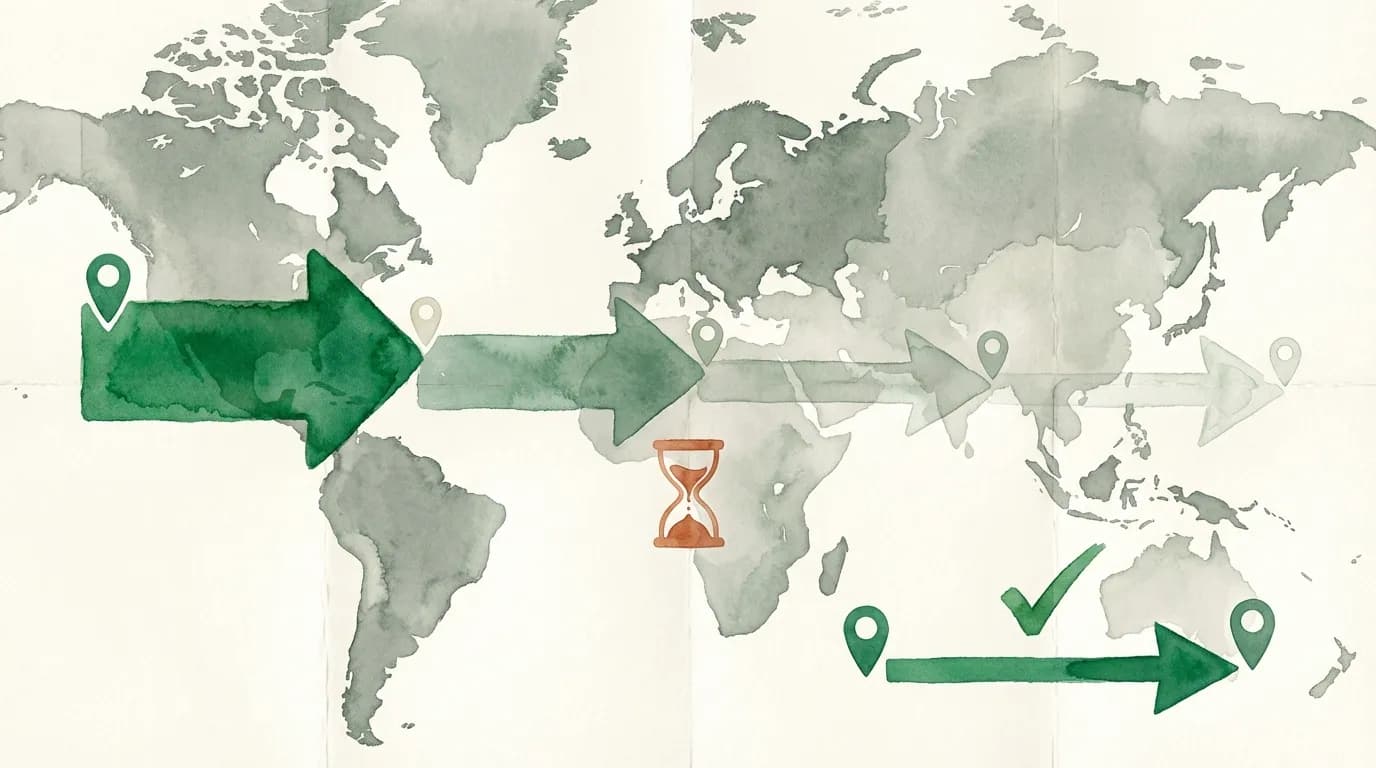
A redirect chain is one of the most common and costly technical SEO problems on the web. It's also one of the easiest to fix — once you know it exists. The trouble is, most site owners have no idea their redirects are chaining until they notice a mysterious drop in search rankings or a spike in page load times.
What is a redirect chain?
A redirect chain occurs when a URL redirects to another URL, which redirects to yet another URL, and potentially more. Instead of a clean path from A to B, you get A → B → C → D. Each hop in the chain is called a “link” — and each link adds latency, wastes crawl budget, and dilutes link equity.
Here's a real-world example. You migrated from HTTP to HTTPS during a site migration in 2022, creating a redirect from http://example.com/page to https://example.com/page. Then in 2024, you restructured your URLs, adding a redirect from https://example.com/page to https://example.com/blog/page. Now the original HTTP URL chains through two redirects to reach the final destination.
How chains hurt SEO
Google has stated that link equity (PageRank) is passed through redirects, but each hop in a chain loses a small percentage. Research by Moz analyzing thousands of domains found that long redirect chains can lose up to 15% of link equity per hop. An Ahrefs Site Audit study of 10,000 websites found that 17.6% of sites had redirect chains among their top technical SEO issues. For high-authority pages, that's a significant loss.
Chains also waste crawl budget. Googlebot has a finite number of URLs it will crawl on your site per session. Each redirect hop consumes one of those crawl slots. A three-hop chain uses four crawl budget slots to index one page.
How chains hurt performance
“Every redirect you add is a new HTTP request-response cycle. On mobile, each cycle can cost 200ms or more. When you chain three redirects, you've added half a second before the browser even starts rendering.”
Every redirect adds a full HTTP round-trip. On mobile networks, each round-trip can take 100-300ms. A three-hop chain adds 300-900ms to your page load time — before the page even begins rendering. According to Google, the probability of a visitor bouncing increases 32% as page load time goes from 1 to 3 seconds. Google's Core Web Vitals penalize slow page loads, which means redirect chains can hurt both user experience and rankings simultaneously. You can inspect redirect-related HTTP headers to see exactly what status codes and cache directives each hop returns.
How to detect redirect chains
Several methods exist for finding chains:
- Browser DevTools: Open the Network tab, navigate to a URL, and check for multiple 301/302 responses before the final 200.
- Command line: Run
curl -IL https://example.com/old-urlto see every redirect hop in sequence. - Crawling tools: Screaming Frog, Sitebulb, or Ahrefs Site Audit can scan your entire site for chains. For a quick check, our free redirect checker traces the full redirect path of any URL.
- GeoSwap: When you manage redirects through GeoSwap, chain detection is automatic. The system flags chains the moment a new rule would create one.
How to fix redirect chains
The fix is conceptually simple: update each redirect to point directly to the final destination, eliminating intermediate hops. Instead of A → B → C, make it A → C and B → C.
- Map every chain from its first URL to its final destination
- Update the initial redirect(s) to point directly to the final URL
- Keep intermediate redirects active for a transition period
- After 90 days, remove intermediate rules that receive zero traffic
For sites with hundreds of redirects, doing this manually is error-prone. GeoSwap's redirect management identifies chains automatically and suggests the flattened rule — one click to fix what would otherwise take hours of spreadsheet work.
GeoRedirect chains are silent performance killers. Every chain on your site is costing you speed, crawl budget, and link equity. Run a thorough redirect audit to find them, or let GeoSwap detect and fix them effortlessly — and free.